Kerfline

An open-source pipeline that converts images into laser-cuttable SVG patterns. It traces, overlays, compares, and iterates — looping until the vector is faithful to the source.

Get Started Full Service ↓

Open Source · Run it yourself · Built for makers

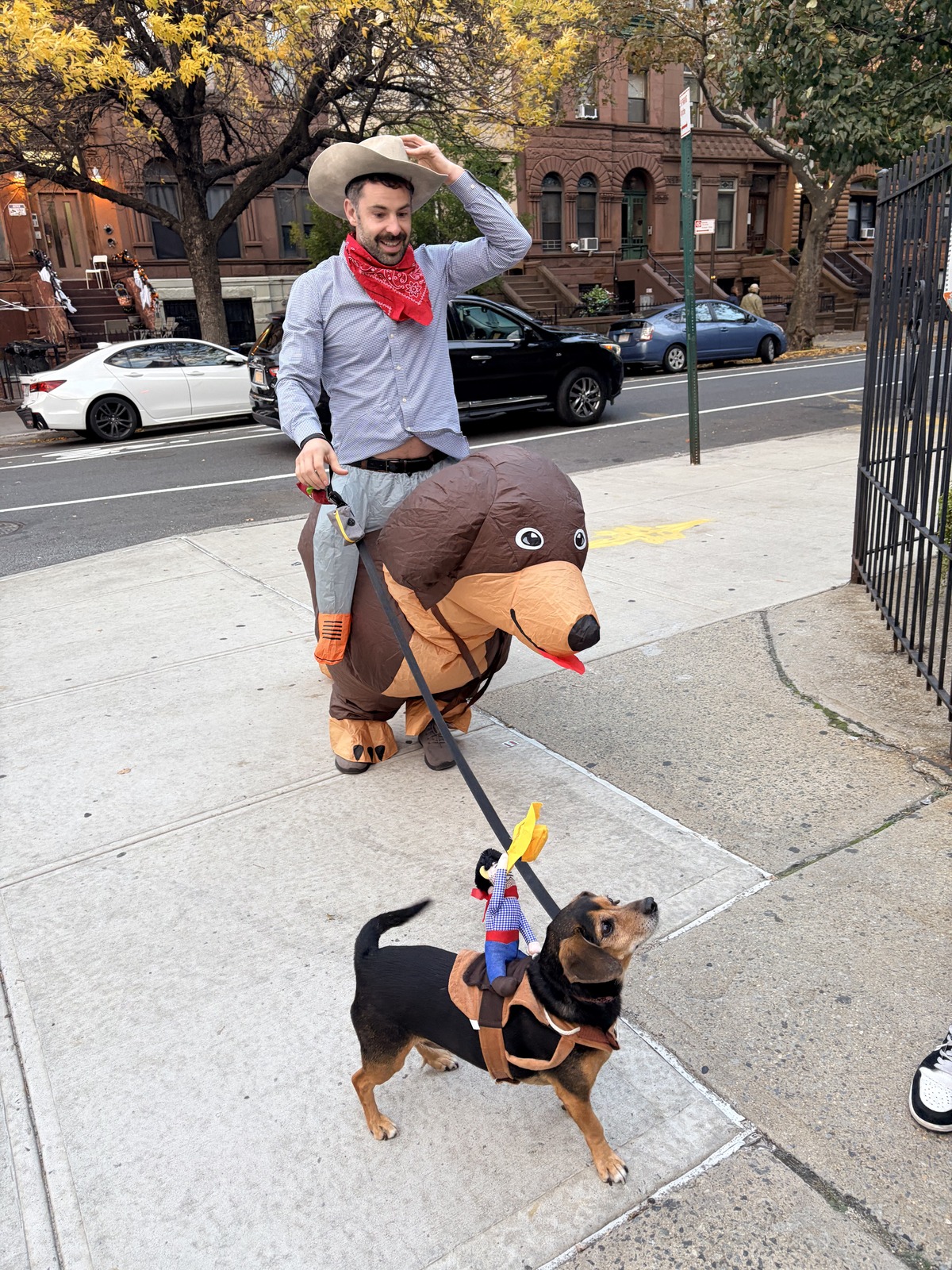
Source photo
01

Source Image

Start with any photo. Pick a style — stained glass, woodcut, line art — and the pipeline takes it from there.
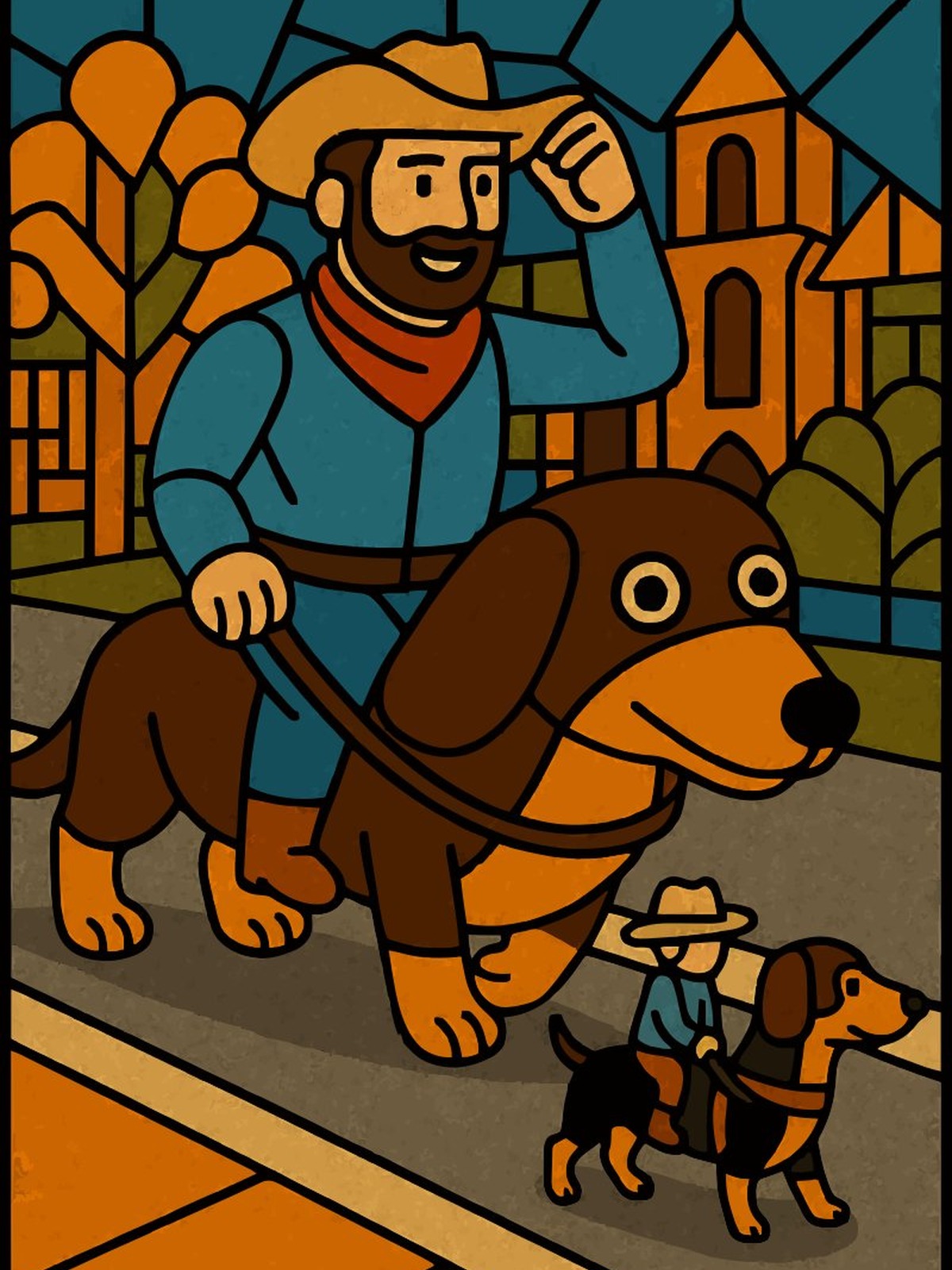
AI-generated stained glass style
02

AI Generation

OpenAI's image model redraws the source in the target aesthetic — clean regions, bold outlines, no floating islands.
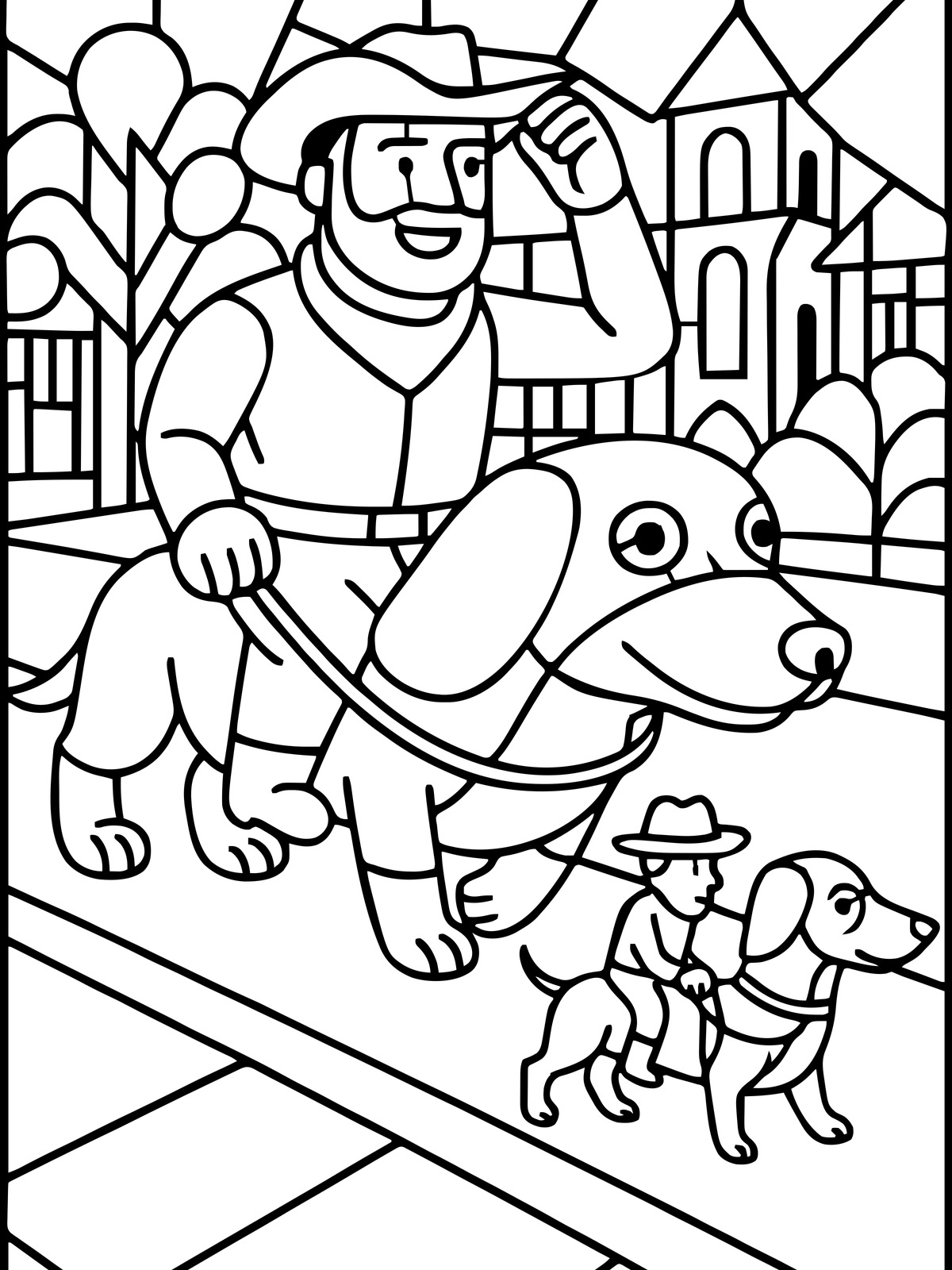
Vector outline extraction
03

Vectorization

Two tracing libraries — VTracer and Potrace — convert the raster to SVG paths, run against each other to find the best result.
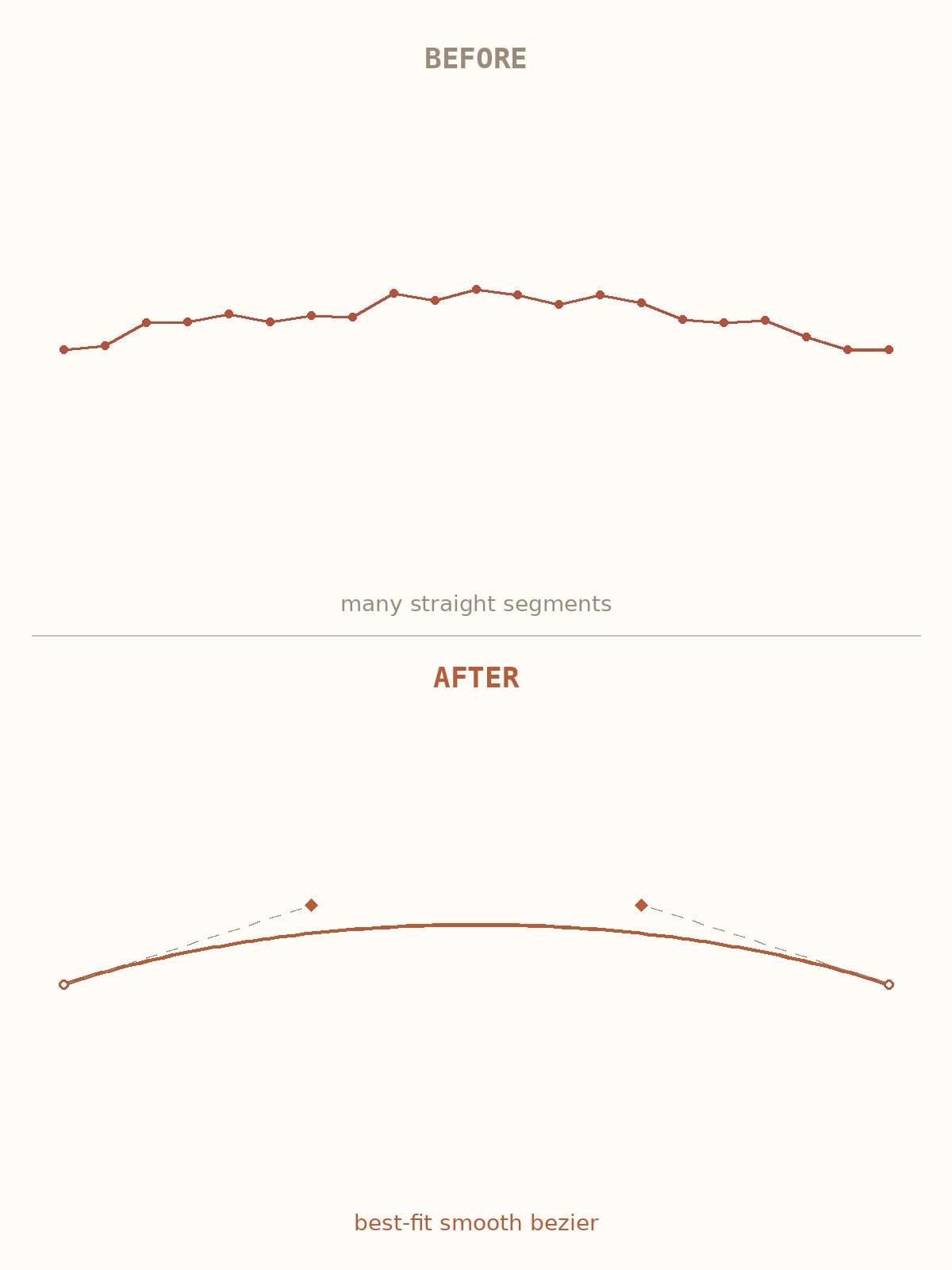
Smooth bezier curves fitted to outline
04

Curve Fitting

Both tracers output native bezier curves — Potrace's optimized splines and VTracer's tunable smoothing produce clean, minimal paths.
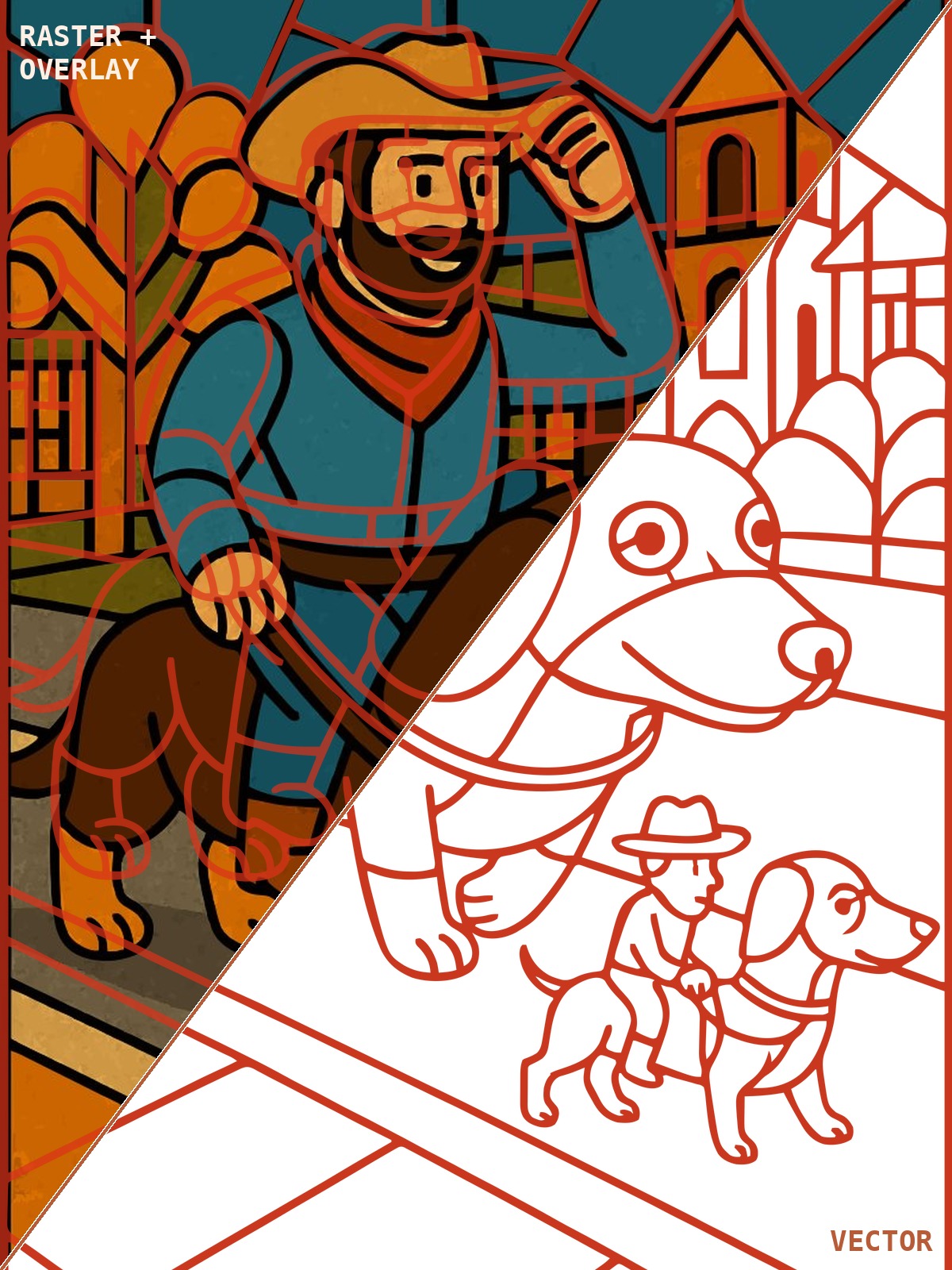
Overlay check — vector on source
05

Overlay Check

The vector is composited over the source and an LLM visually compares them, flagging discrepancies until the trace is faithful.
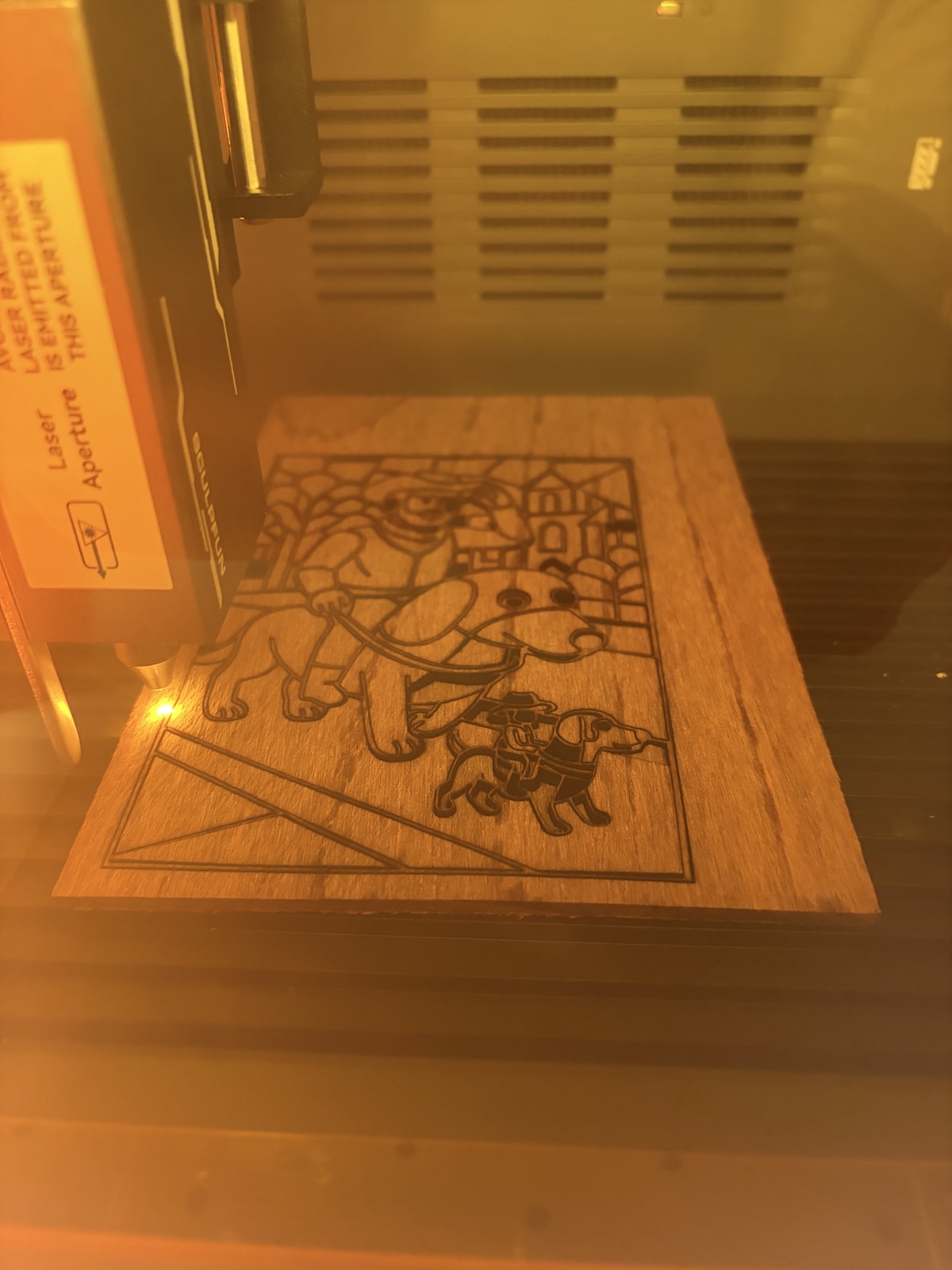
Laser cutting the final SVG on wood
06

Laser Cut

The final SVG goes straight to the laser cutter. No orphaned islands, consistent line weight — ready to burn.

Get Started

Run it yourself

One prompt — your coding agent handles cloning, setup, and running the pipeline.

# Paste this into Claude Code, Cursor, Codex, or any coding agent

Clone https://github.com/drewraines/kerfline.git, install the dependencies, and run the pipeline on my-photo.jpg in stained glass style.
What happens next

Your agent clones the repo, installs Python dependencies, and runs the full pipeline — AI generation, tracing, overlay check, curve fitting. You get back a laser-ready SVG.

$ git clone https://github.com/drewraines/kerfline.git
$ cd kerfline
$ pip install -r requirements.txt
$ cp .env.example .env # add your OpenAI API key
$ python run.py my-photo.jpg --style stained-glass

Works with Claude Code (CLI, VS Code, or claude.ai/code), Cursor, Codex, or from the terminal directly. You'll need Python 3 and an OpenAI API key — the README covers setup.

Coming Soon

Let us run it for you

Don't want to set up a local pipeline? We're building a hosted version — upload an image, pick a style, get back a laser-ready SVG. Drop your email and we'll let you know when it's ready.

About

Why this exists

Kerfline has grown out of my own process. The individual pieces — AI image generation, tracing libraries like VTracer and Potrace, bezier curve fitting — are all off-the-shelf. What makes it work is the loop: trace the image, overlay the vector on the source, have an LLM compare them, and iterate until the result is actually faithful. That compare-and-retry cycle is the core of the pipeline, and it's what turns decent traces into cuttable ones.

It's open source because this stuff is more fun when people build on it. If you're into laser cutting, CNC, or just want to mess around with AI-to-physical pipelines, come hang out on GitHub.